日本語EN
Download

ENECRA v1.7

ENECRABuild power plants
in Minecraft

Build a power plant and send electricity to the town through power lines. Solar, wind, water wheels, thermal and nuclear.

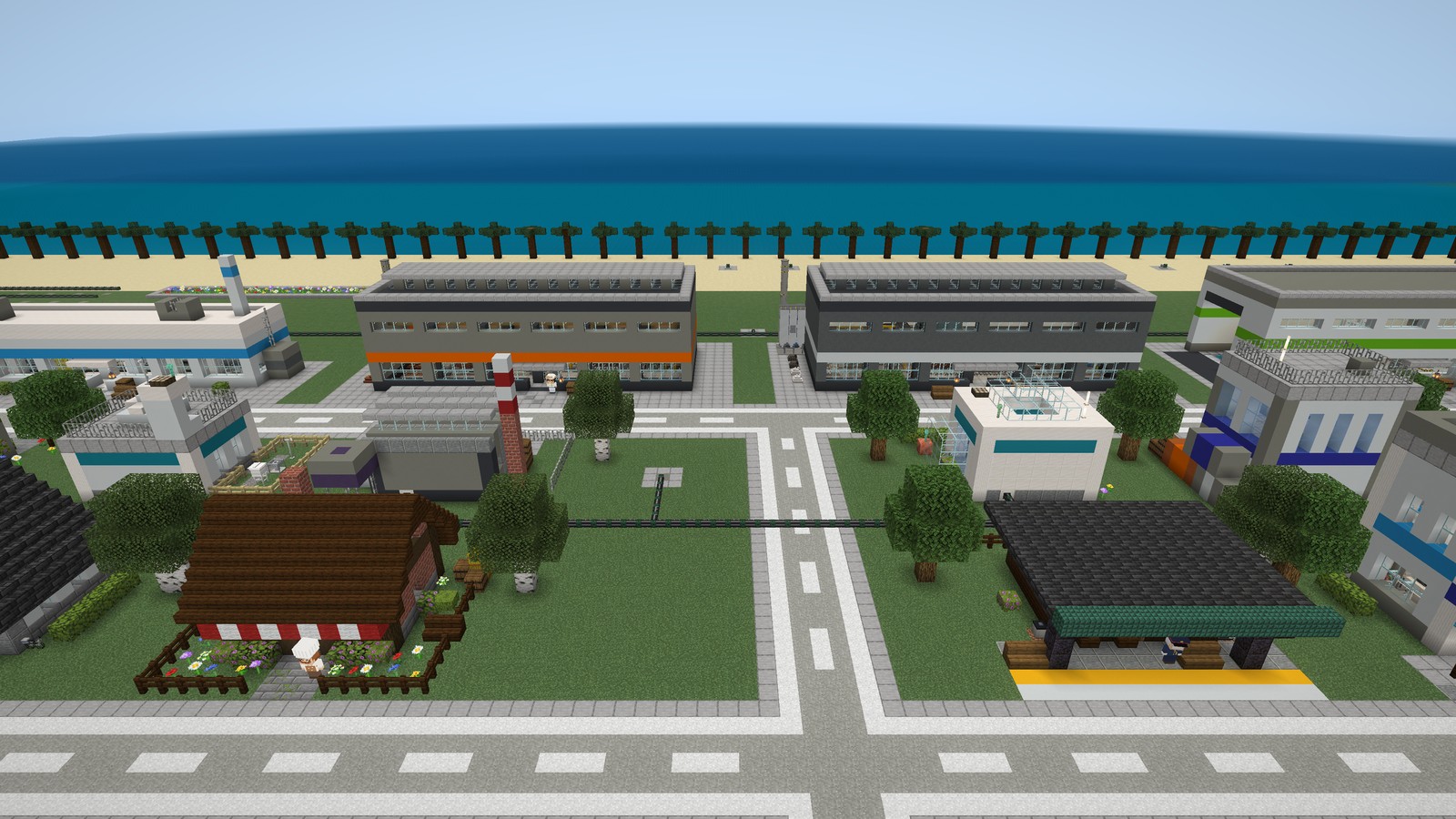
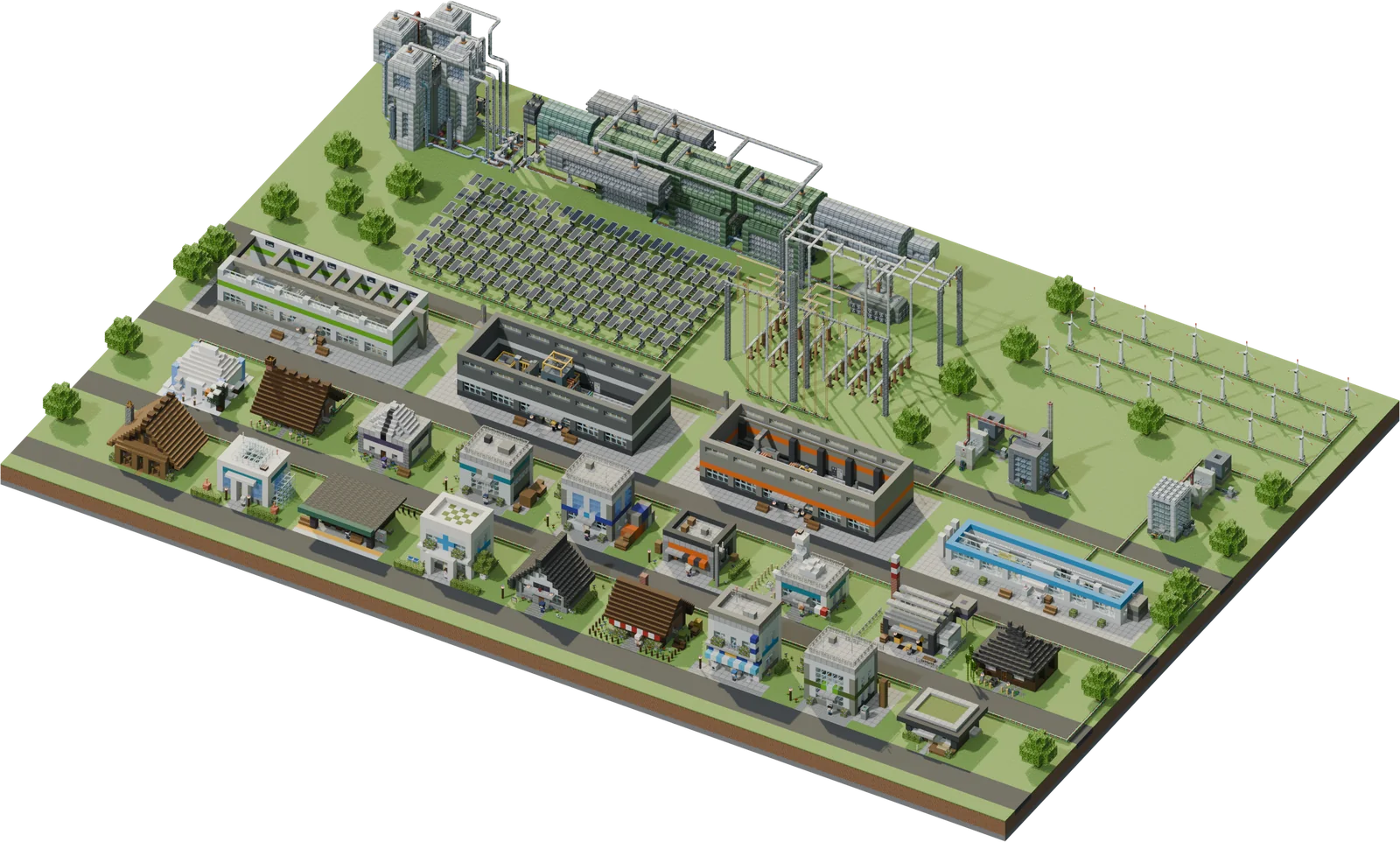
An ENECRA town with residents’ shops, four factories and power plants (built from the same in-game buildings) Power plants (to download)

An ENECRA townTap a face to hear what they say.

  • Residents’ shops (16)
  • ▶Factories (watch inside)
  • ?Hidden residents (2)
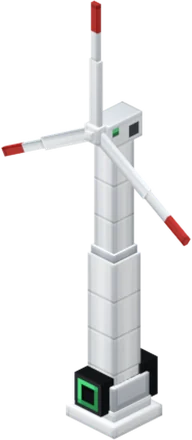
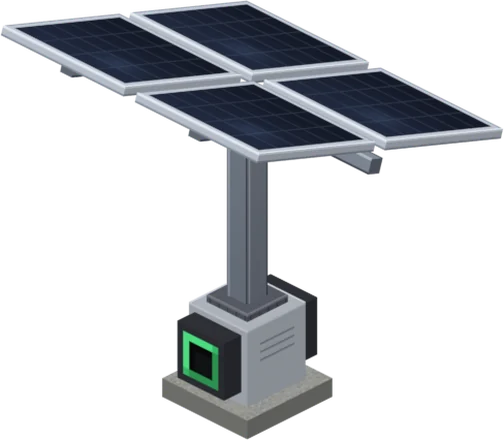
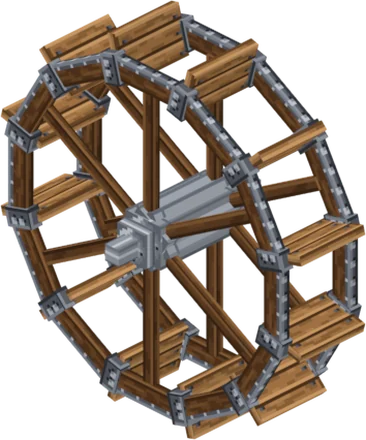
  • Power plants (download)

Start here

Factory toursResidents show you inside

See all

TownGetting started

Getting started

There are three ways to use ENECRA. What you do first after opening the game depends on which one you choose.

Whichever way you choose, first install ENECRA (the add-on).

Free download How to install

If you play at home

ENECRA Quest

Take quests on the ENECRA Phone, build power plants and deliver electricity to the town. When electricity arrives, residents move in.

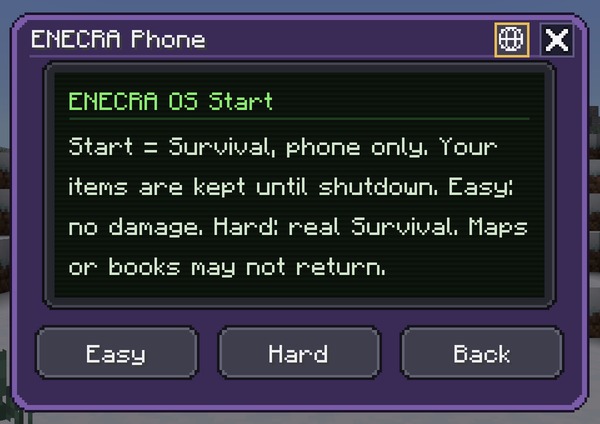
The ENECRA Phone start-up screen (Easy, Hard, Back)

When you open the game

  1. Enter a world with ENECRA turned on. An ENECRA Phone appears in your hotbar.
  2. Hold the phone, use it, and press the power button.
  3. Choose Easy or Hard to start it up (on Easy you take no damage).
  4. From Quests on the home screen, take quest 1-1 (you get one solar generator).

Starting the phone switches you to Survival and leaves only the phone in your inventory. Your items come back when you shut it down.

If you run a class or training

ENECRA Missions

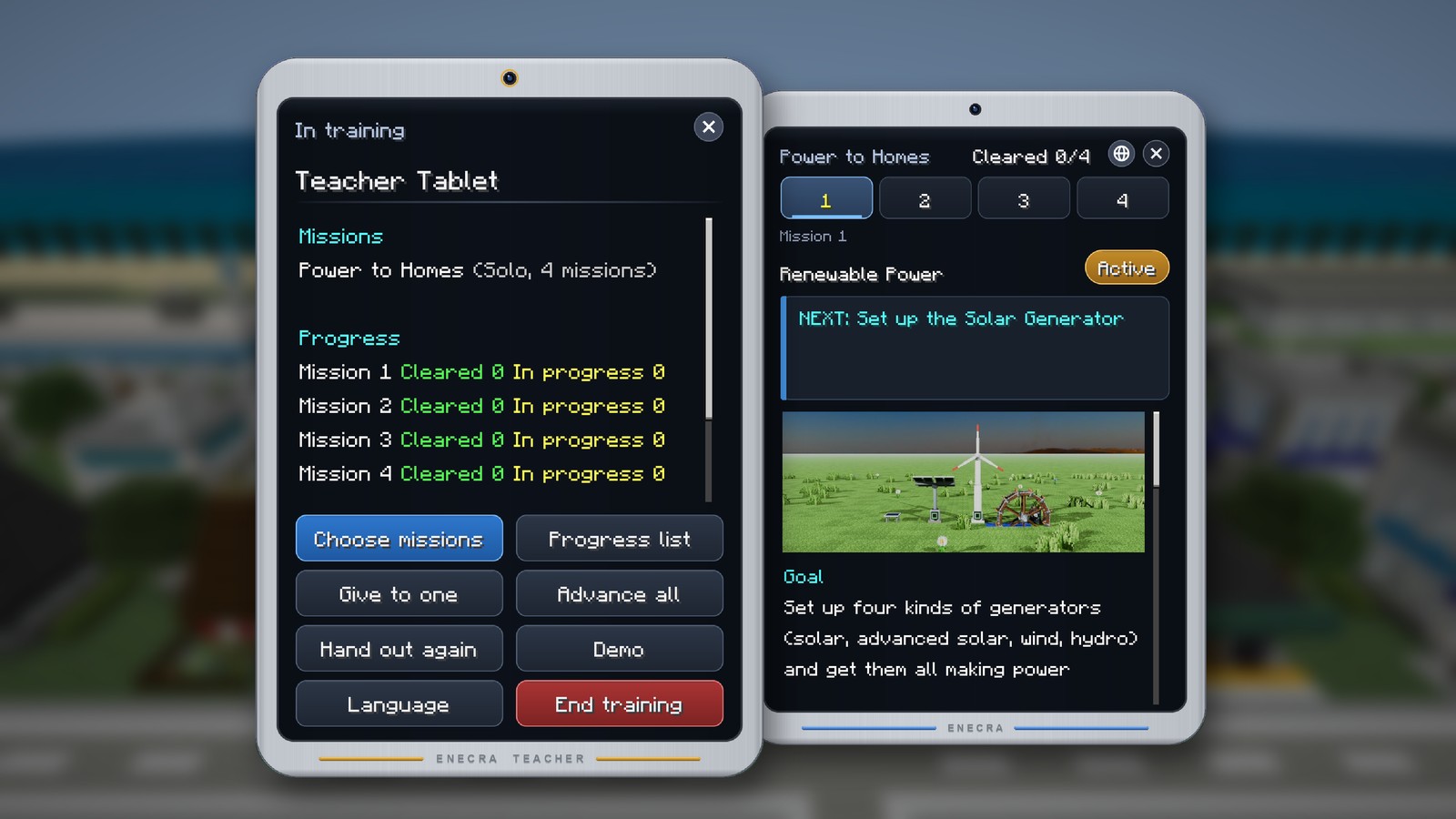
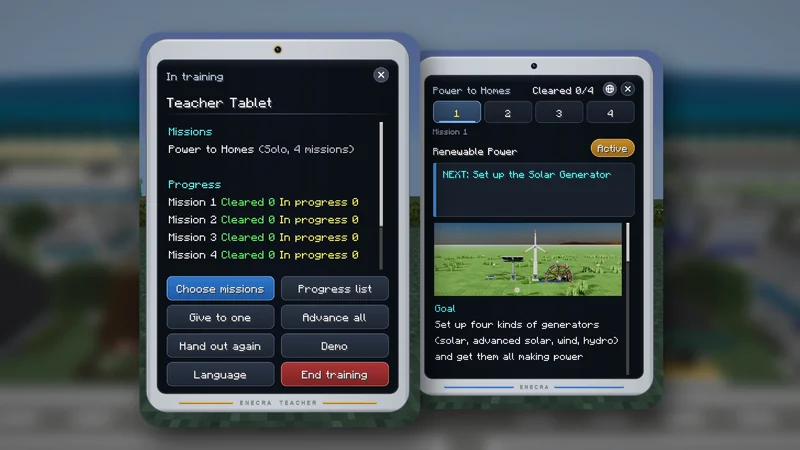
The teacher gives missions from the teacher tablet, and students work on them on their own ENECRA Tablets. The teacher can see everyone’s progress on the tablet.

The Teacher Tablet during training, and a student’s ENECRA Tablet

When you open the game

  1. The teacher opens a world with ENECRA turned on, in Creative. Students join that world.
  2. Take the teacher tablet — first in the “Tools” group of the Creative inventory — and use it.
  3. Press Start training. An ENECRA Tablet is handed to the left end of each student’s hotbar.
  4. In Choose missions, pick Solo missions or Team missions. Students receive their handouts and the missions begin.

Only someone with operator permission can start training. During training everyone is in Creative and the time is fixed at midday.

If you use it at an event

Free building in Creative

Place and run any of ENECRA’s 511 blocks and items from the inventory, however you like. No phone or tablet needed.

ENECRA generators and machines as inventory items

When you open the game

  1. Open a world with ENECRA turned on, in Creative.
  2. Take a generator from the inventory and place it (put solar generators where they can see the sky).
  3. Run wire from the generator to an LED. When it lights up, the electricity has arrived.

With a world where the town and power plant are already built, you can start by running them instead of building (Worlds).

TownAdd-on

Download ENECRA v1.7

ENECRA is a single file. Save it with the button and open it — Minecraft will import it. No sign-up needed.

The game is in English too. The first time the world’s owner enters a new world, choose English on the language screen. To change it later, use the globe button on the ENECRA Phone (start or power screen) or Language on the teacher tablet. Block and item names follow Minecraft’s own language setting, so set Minecraft to English as well.

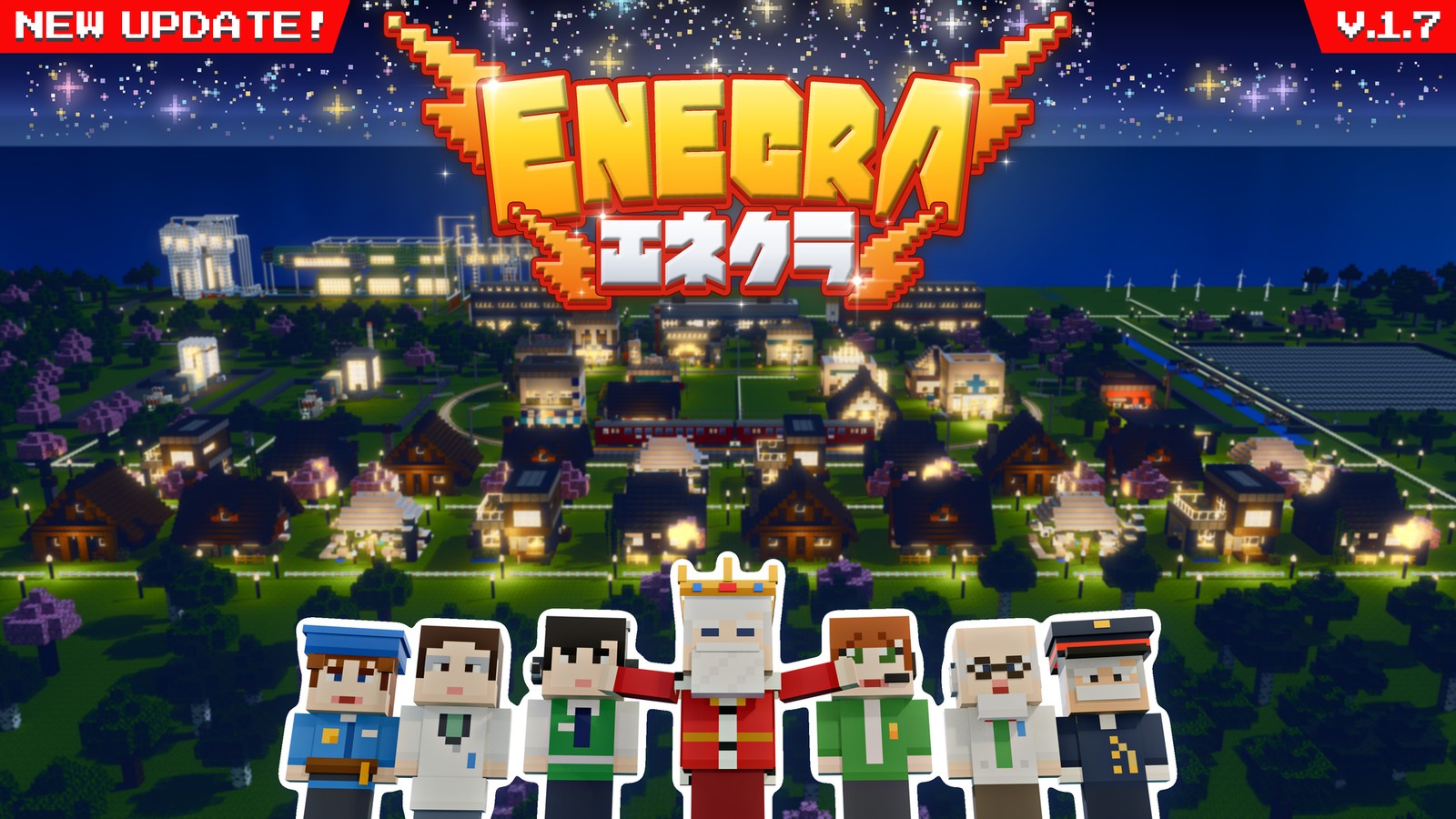
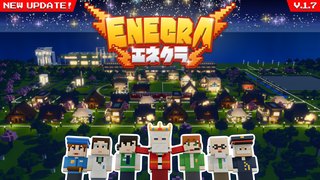
ENECRA v1.7 key art (the town at night, with the King spreading his arms and the residents)
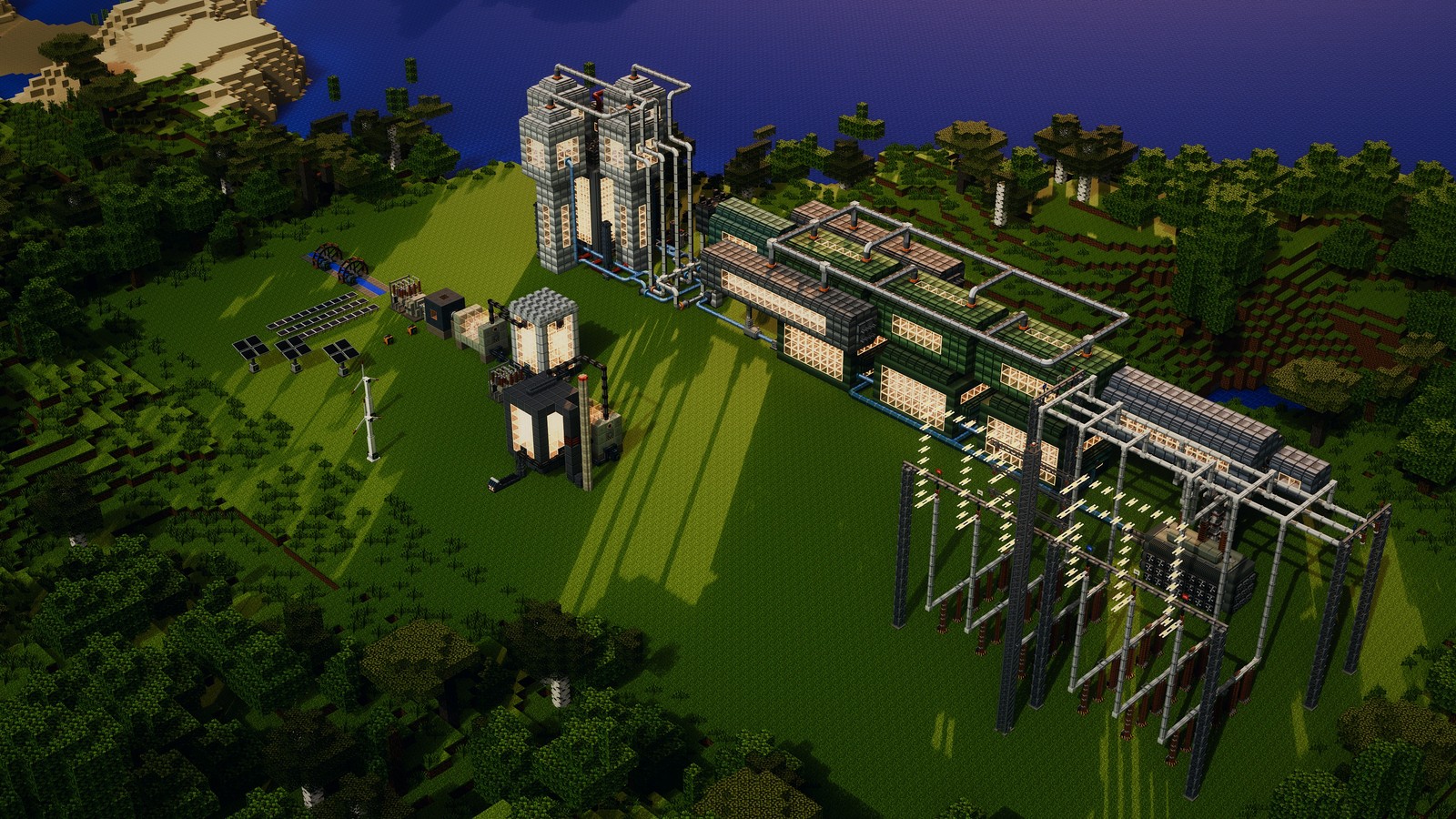
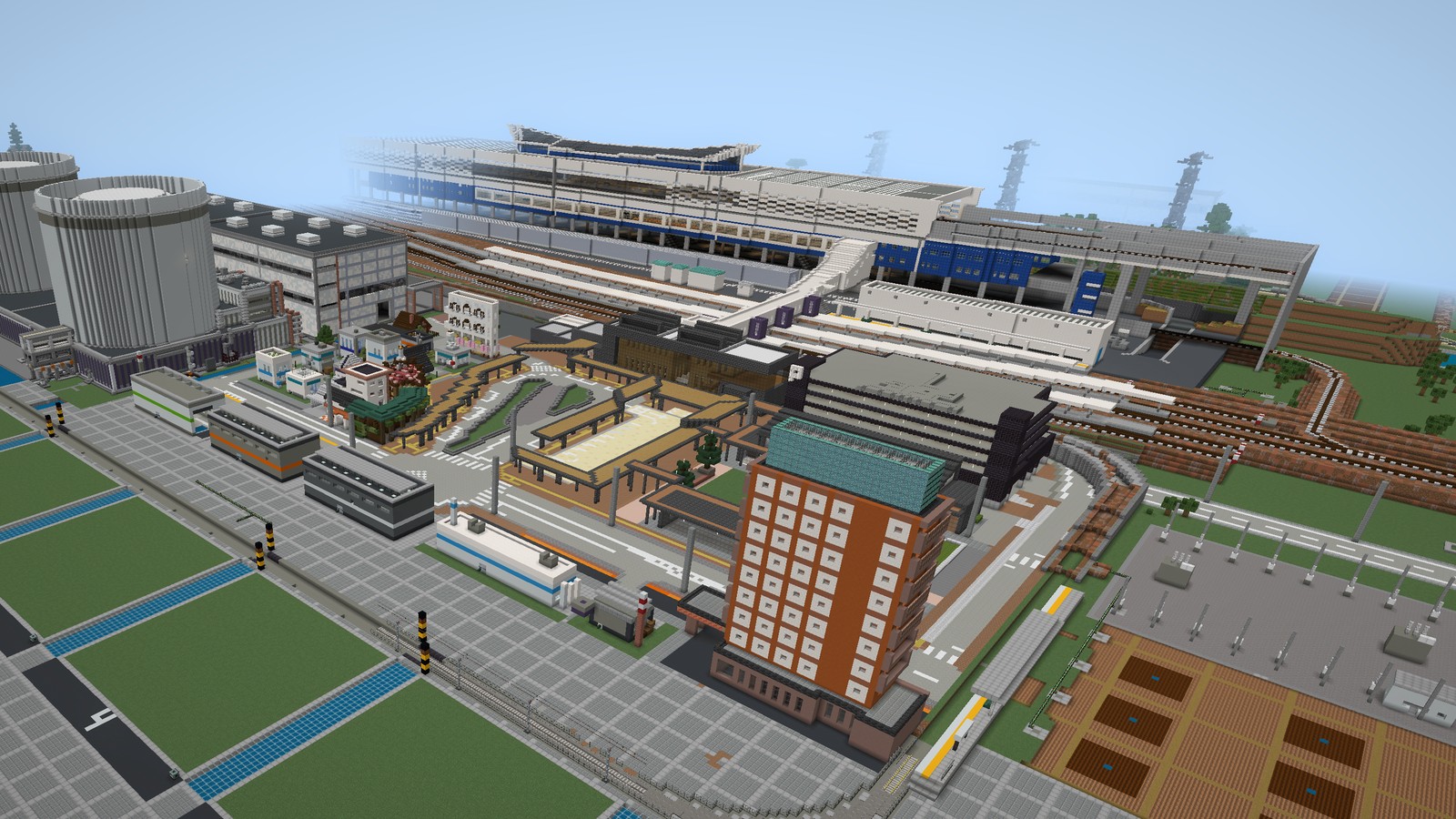
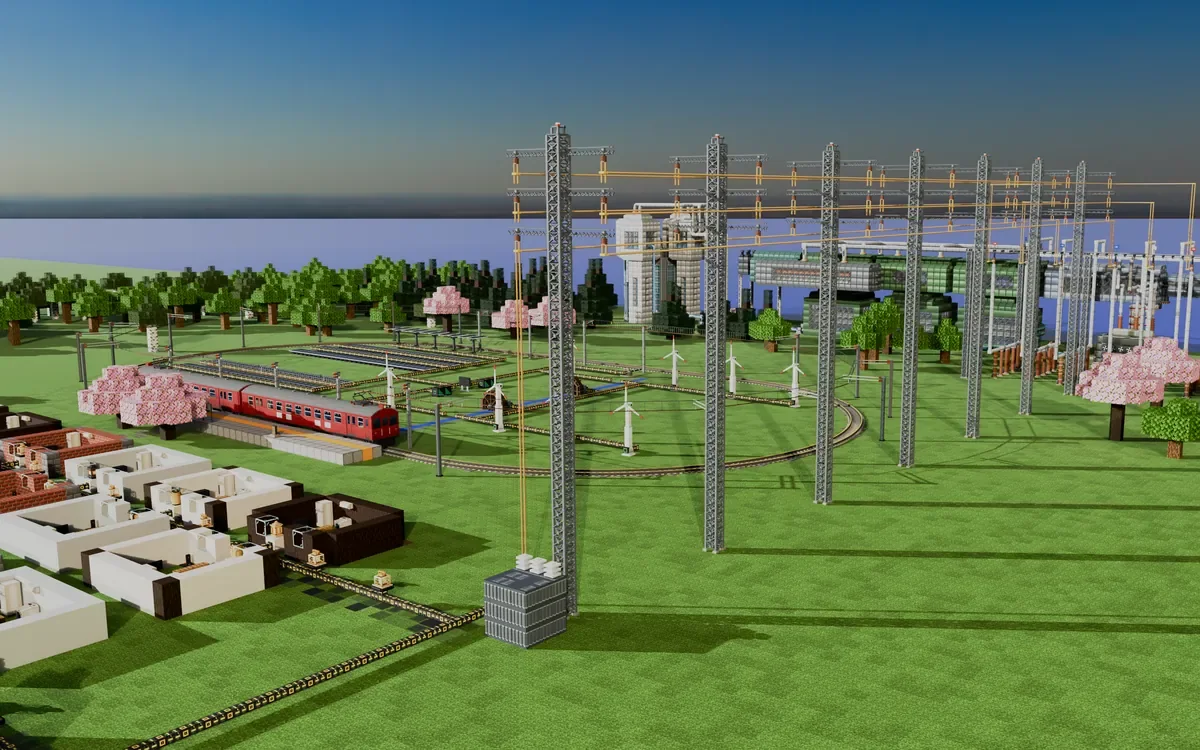
Many kinds of power plants built on an island of forest and sea (from the air)
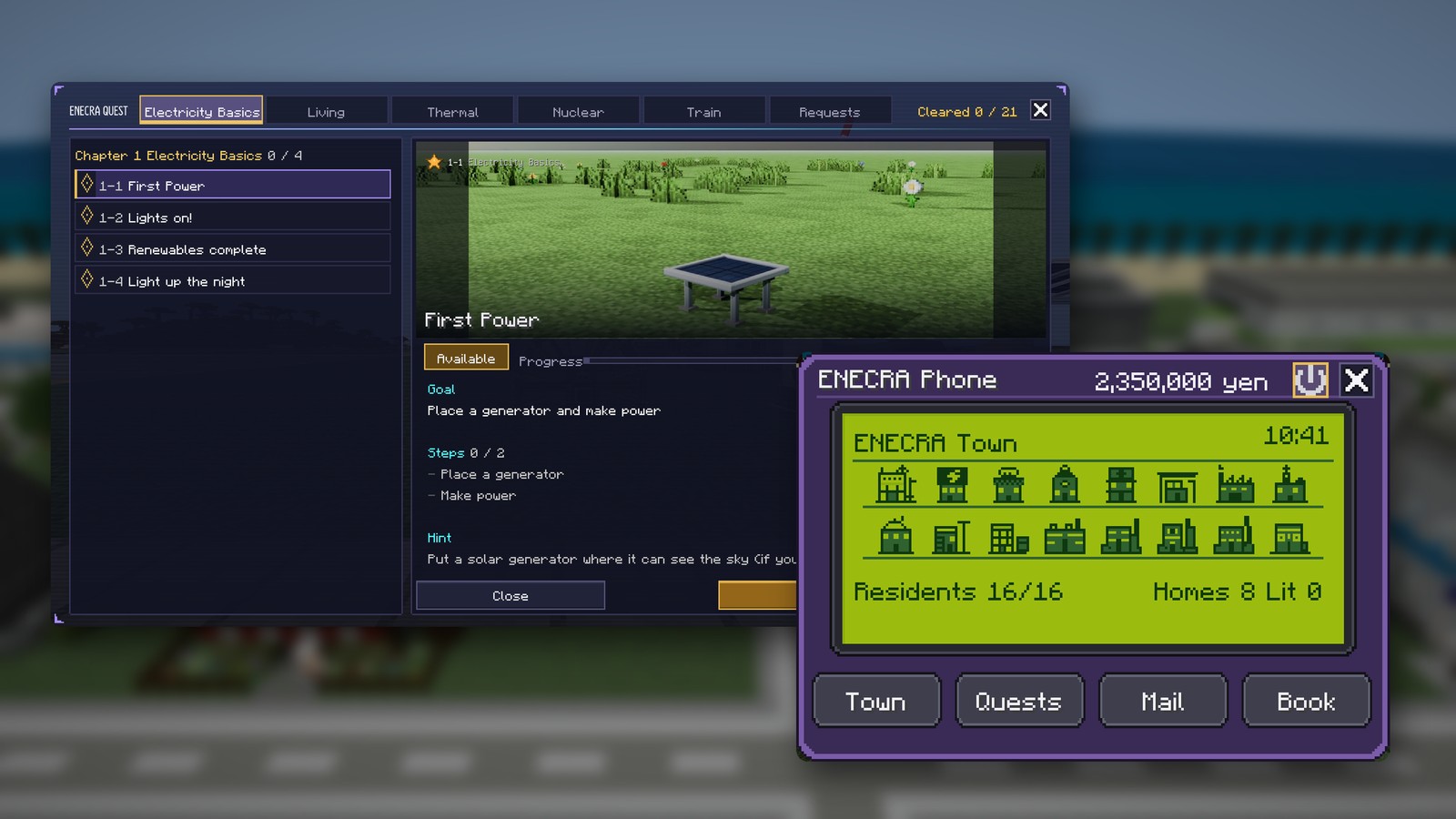
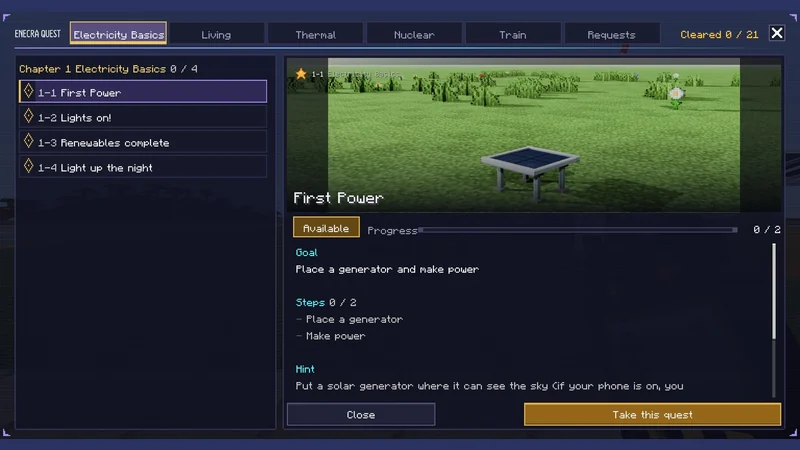
The game in English (the quest screen and the ENECRA Phone)
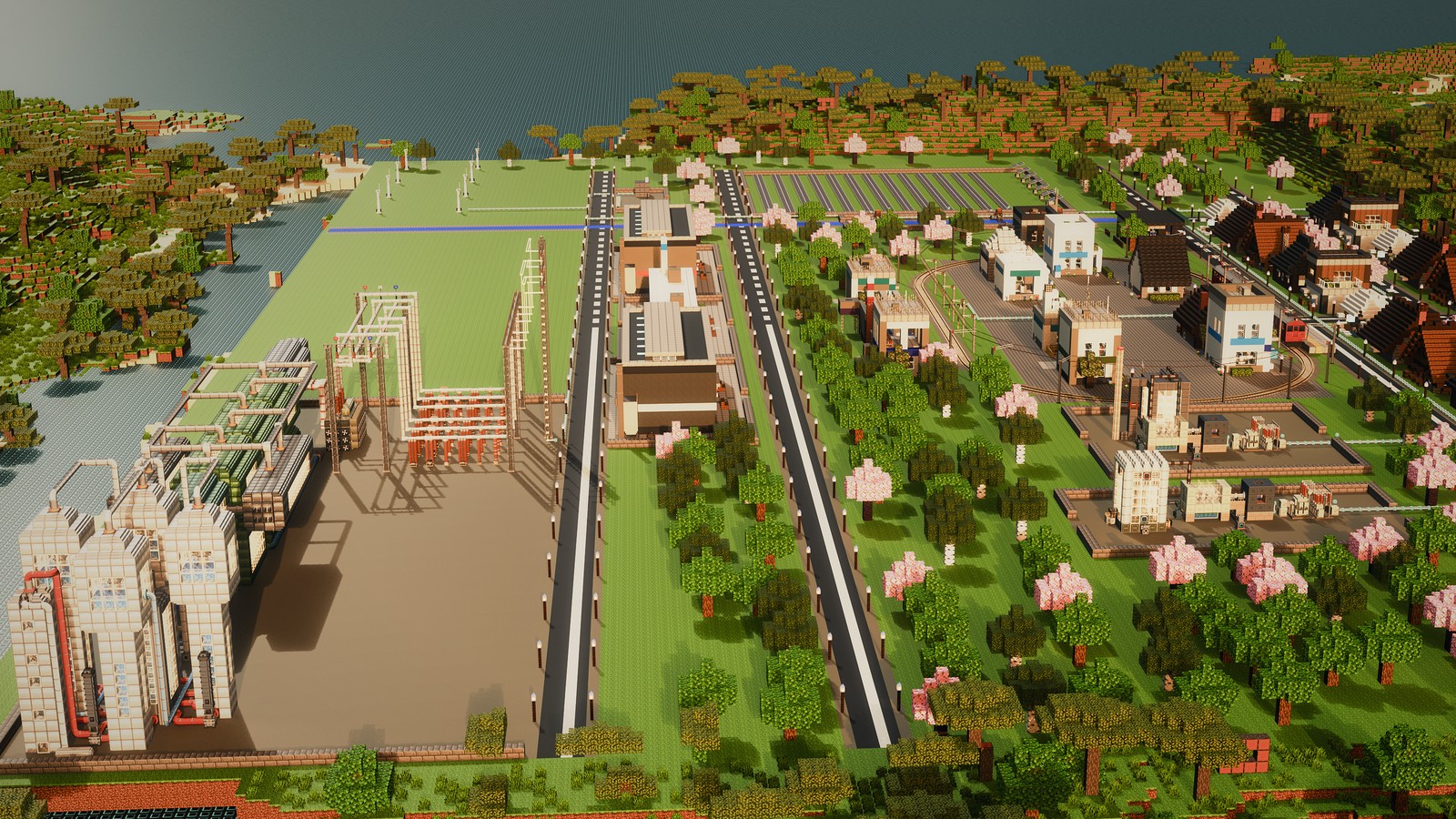
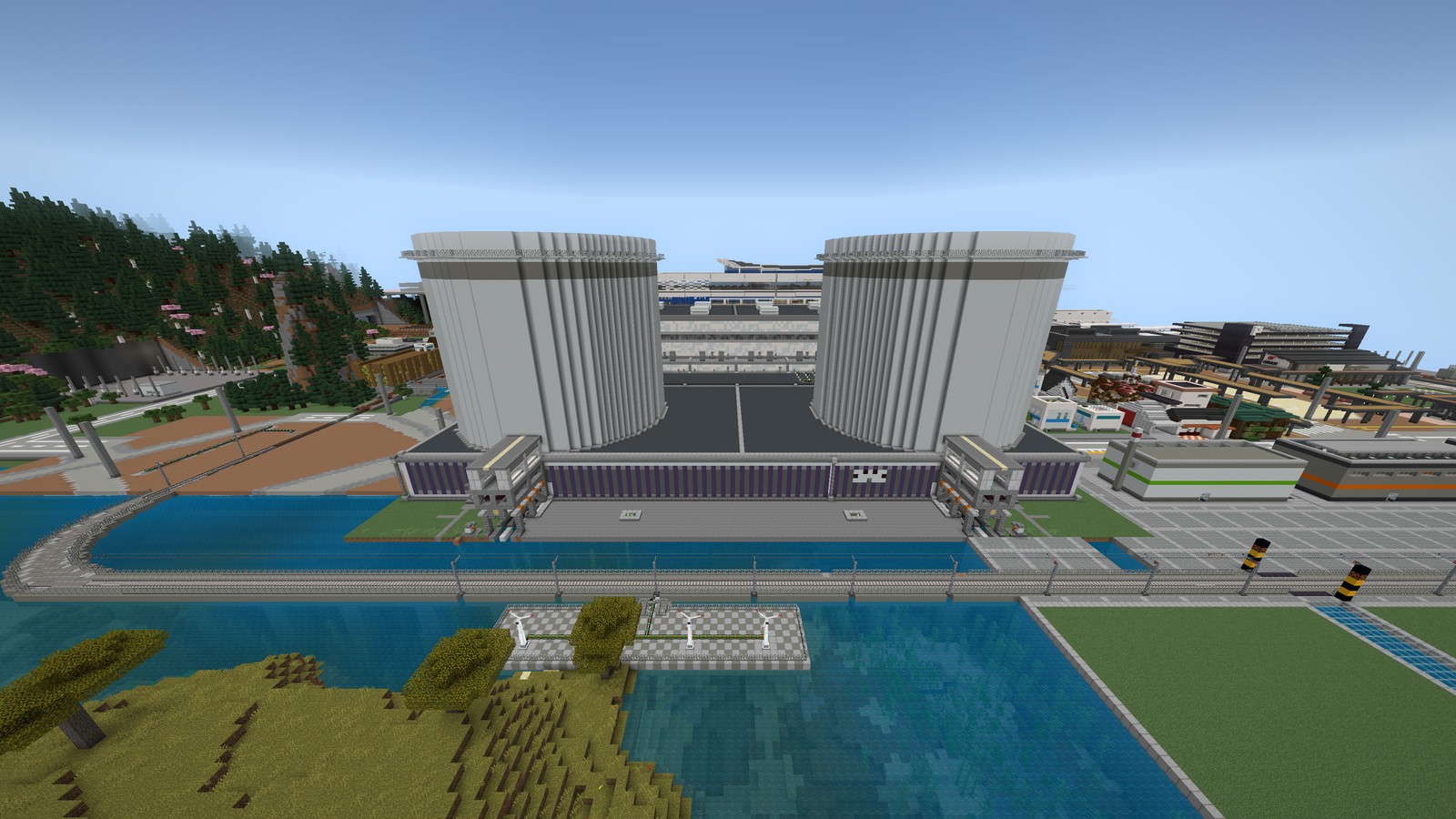
The latest ENECRA town across the inlet, from power plants to houses
The Teacher Tablet during training, and a student’s ENECRA Tablet
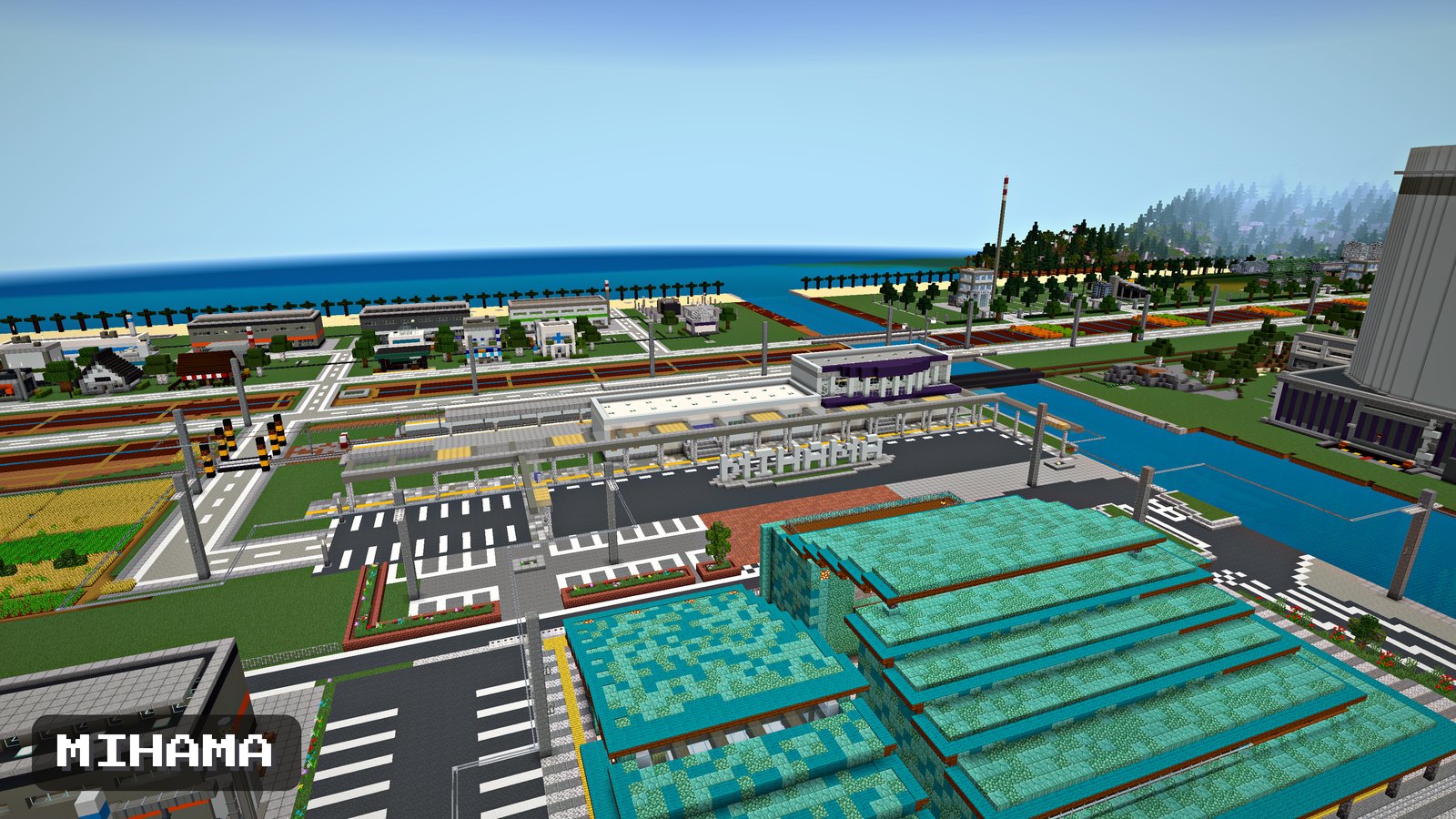
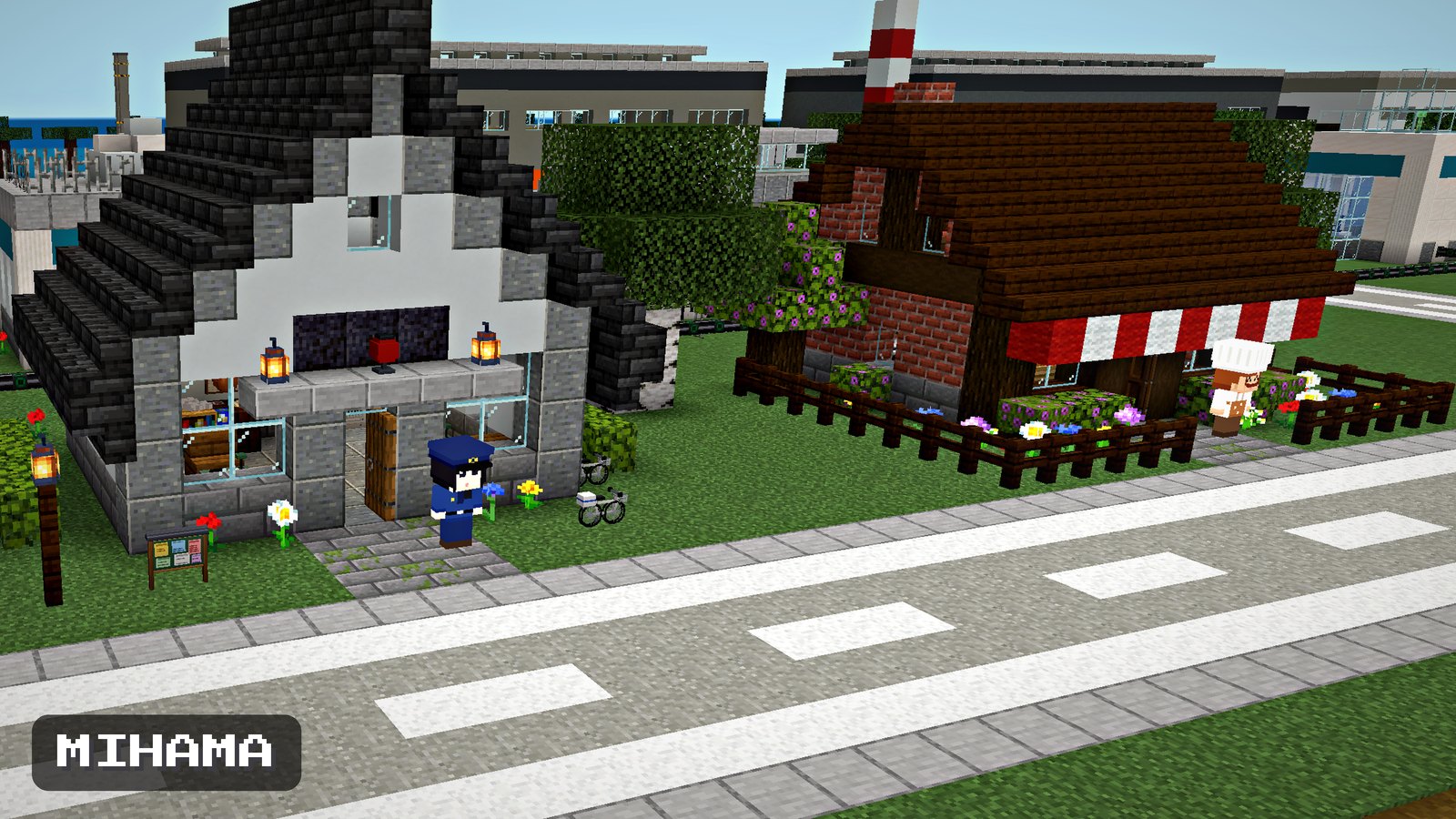
Mihama’s town and the sea
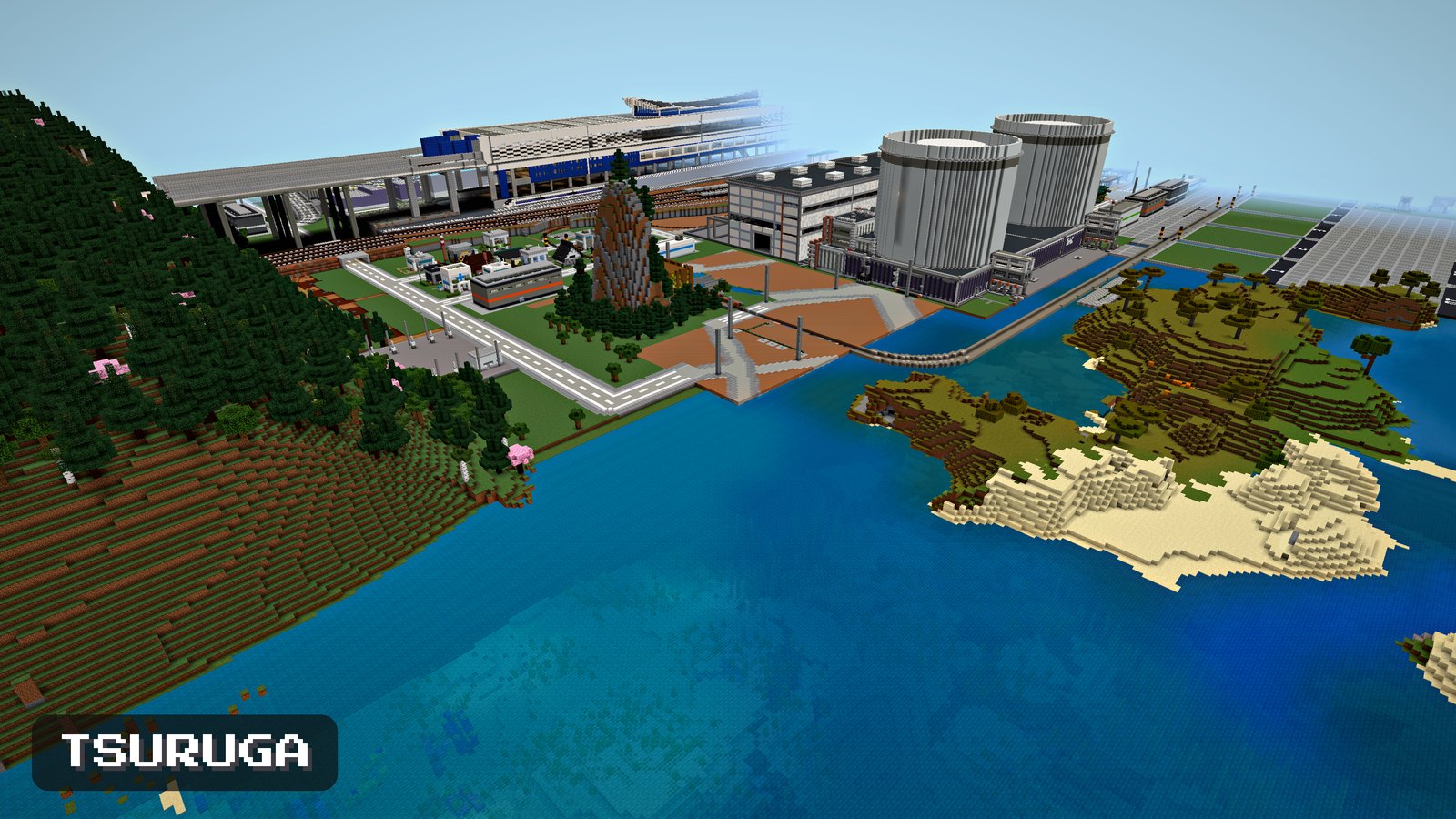
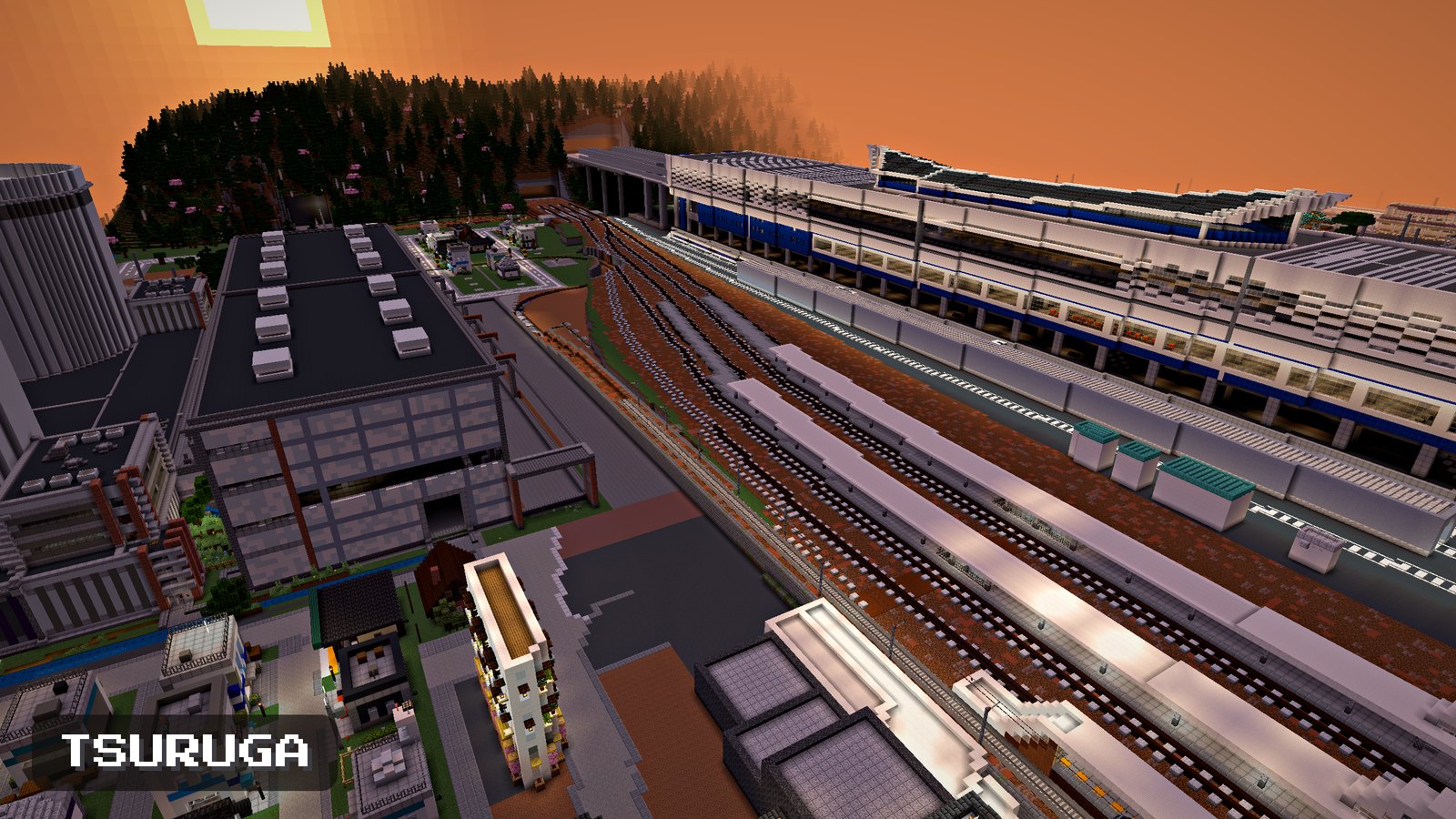
Tsuruga’s town and power plant from the sky
A boiling water reactor plant seen from the sea

ENECRA

By UKABU Inc.

  • 1 add-on
  • v1.7
  • Bedrock / Education

Free

Download

ENECRA.mcaddon / 88.5 MB / v1.7 (updated 2026-11-15)

The file is 88 MB (it includes the in-game factory videos). Please download it over Wi-Fi.

After saving → How to install (3 steps)

What’s insideTap to explore

Description

An add-on in which you build power plants, send electricity to the town through power lines, and use it for home lights and trains.

- Generate electricity with solar, wind, water wheels, thermal and nuclear power.
- Use the delivered electricity to run fridges and TVs, and to run trains.
- The former “ENECRA” and “ENECRA Life” are combined into one. This single file has everything.

Quests and residents are explained in ENECRA Quest and the town’s residents, the teacher tablet for classes and training in Teacher Tablet and ENECRA Missions, and how to use each block in Parts guide and recipes.

New in v1.7
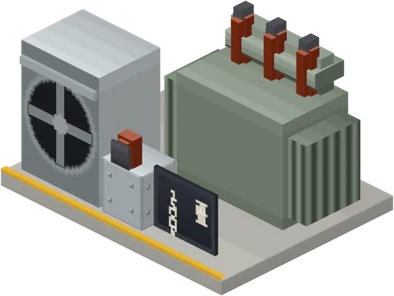
- Transformer and switchyard: the new Transformer & Switchyard Builder (Compact) builds a Plant Inlet, a Generator Step-up Transformer, a Gas Circuit Breaker and a Plant Outlet in front of the Generator Terminal of a boiling water reactor or a thermal power plant (connect the Generator Terminal and the Plant Inlet with wire). While the generator is running, the transformer’s cooling fans turn. Wires beyond the Plant Outlet and Overhead Power Lines carry high voltage, so transmission losses drop to about 1/190.
- Transmission losses: things that draw electricity from generators over wires (the Breaker Panels of houses and shops, factory Intake Panels, Traction Substations, the making machines, the Chip Making Machine and the Metallic Silicon Machine) now also lose some of it along the wire. The Breaker Panel screen shows the wire’s transmission loss.
- Power while you’re away: power plants connected to an Electricity Meter keep running while you are far away (solar, wind and hydro with no time limit; plants that burn fuel run just as they would with you nearby, and the fuel they used is gone when you come back). Electricity made while you are away is sold too.
- Residents’ shops and factories: they first use the generators connected by wire to their Breaker Panel (the Intake Panel for factories), and get only the shortfall from the grid.
- Trains use electricity: when they speed up, trains draw electricity from the generators and batteries connected to the Traction Substation (commuter train 10 kW, limited express 15 kW, bullet train 30 kW; 30% of that while cruising at top speed), and go slower when there isn’t enough. They can also draw surplus from the grid. Crouch and right-click a substation to switch between 1,500 V DC, 20,000 V AC and 25,000 V AC (bullet train).
- Platform Door: a new block for station platforms. It opens and closes together with the train’s doors, only in front of the doors of a stopped train.
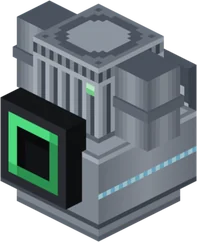
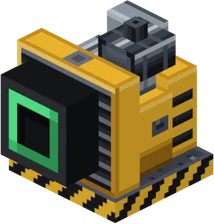
- Making machines: the Silicon Arc Furnace, Refiner, Wafer Saw and Chip Factory were rebuilt from their shapes up. Wires connect to the green port on the back. These four, the Chip Making Machine and the Metallic Silicon Machine draw electricity from generators and batteries connected by wire (just placing them next to each other is not enough).
- Washed armor: the 28 pieces of armor washed in the Washing Machine have new looks and names, with an energy emblem that glows in the dark.
- Portable Battery: the new Portable Battery lets you charge your Fan Jacket or Heated Vest away from home. Charge the battery on the new Battery Charger at home (connect it to an outlet with a Power Cord). Both are sold at the Electronics Dealer. Jackets and vests now give 5 armor points (between leather and iron armor).
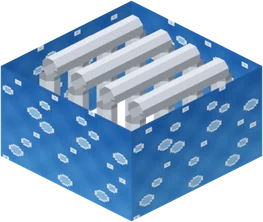
- Model houses: the five model houses have new exteriors (Stone and Wood Japanese Garden House: hip-and-gable roof, cherry tree and stone lantern; Brick House: dormer windows and a teal door; Ice House: ice pillars and blue-flame lanterns; Modern House: a water basin and flower boxes under the windows; Log House: a chimney boxed in with trapdoors). Every house has a Battery Charger with an empty battery.
- Teacher Tablet and missions: the mission display at the top right of the game screen now reads like “Mission 3-4” (the 4th step of Mission 3), and the step list on the tablet uses the same numbers. In Missions 3 and 4, glowing dots mark the equipment used in the current step (only that student can see them). Mission 3 is split into 10 steps, and Mission 4 now includes building the transformer and switchyard. The students’ “Call the teacher” and the teacher’s “Calls” were removed.
- Wires and pipes: hold a wire or pipe and right-click the port of the machine you are connecting to, and it is placed without crouching. Green ports take only wires. Power Cords take the shortest route, and can also pass through the gap beside an appliance.
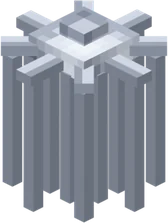
- BWR control rods: rebuilt as a bundle of thin rods. The part that slides up from below into the fuel has the same shape.
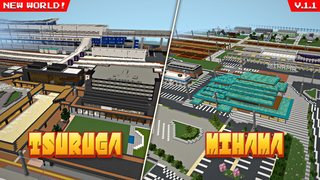
- World to play: “Tsuruga & Mihama” has been updated to v1.1. The bullet train runs on the viaduct and stops at the station, and the platform doors open and close together with its doors. The outlets of the boiling water reactor and thermal power plants, and the sample builds in the build spaces, have a transformer and switchyard.

New in v1.6
- Playable in English: in-game text, quests, residents’ talk, the tablet and phone screens, and even the factory videos can be shown in English. In a new world the first player to enter chooses Japanese or English; it can be changed later on the teacher tablet (for everyone) or the phone (just for you). The guidebooks are in English too.
- Text lines up on newer Bedrock versions: on Bedrock (from 1.26.60), Japanese text on the phone and tablet ran past the edges and the furigana shifted. This is fixed; it now lines up the same as in Education Edition.
- Bullet train: the Train Builder can also build a Bullet Train (3 cars).
- Town power: connect a generator to an Electricity Meter and its surplus electricity reaches the town’s shops and factories through the grid (shops first, nearest first).
- Teacher Tablet: starting a training session stores everyone’s items from before it and gives them back at the end. Items dropped with the Q key during training come back to your hand.
- Builders: they won’t build where they would overlap something; red dots show which way to move.
- Rain: ENECRA no longer picks rainy days and makes it rain (Minecraft’s own weather is unchanged).
- Shops: things you bought at a shop are taken back for 70% of what you paid.
- Worlds: the world to play is now “Tsuruga & Mihama” (the towns, stations and power plants of Tsuruga and Mihama joined in one).

New in v1.5
- A new quest screen: a full-screen quest screen shows each chapter’s goal, steps and progress at a glance.
- Teacher Tablet: in classes or training, a teacher can give missions from one tablet, see every student’s progress and hand out the items needed. Students work on missions on their own ENECRA Tablets.
- Playable in Survival: start the ENECRA Phone to play in Survival (Easy = no damage and faster block breaking / Hard). Generators, cables, batteries and more can be made from materials at a crafting table and with machines.

Also
- Town residents: when conditions are met, 18 residents — a baker, a police officer, a doctor and more — move to the town. Talk to them and they’ll ask for help.
- Working factories: in the steel mill, the silicon plant, the reprocessing plant and others, materials go through each process step by step.
- The power company and selling electricity: sign a contract with the Power Company and you can sell surplus electricity — up to what the town uses.

New in v1.4
- A pressurized water reactor (PWR) nuclear plant: build the reactor, the turbine generator, and the transformer and switchyard with builders, then start it from the main control panel.
- The ENECRA Quest Phone and ENECRA Quest: take quests on the phone and work toward the goal. Answers are in ENECRA Quest and the town’s residents (from v1.5, team quests became team missions on the teacher tablet).
- Electric wearables: a fan jacket and a heated vest. Charge them at an outlet and wear them; they work on hot and cold days.
- Projector: runs on electricity and projects a chosen image into the air above it. You can swap the images in the Minecraft folder on a PC (how-to in Parts guide and recipes).
Contents

  • Tools
  • Electricity Basics
  • Living
  • Town Residents
  • Shop Furniture
  • Making Things
  • Thermal Power
  • Turbine & Generator
  • Nuclear Power BWR
  • Nuclear Power PWR
  • Nuclear Fuel Cycle
  • Trains

Where it runs

  • Bedrock Edition
  • Minecraft Education
  • 1.21.90 or later

Languages

  • Japanese
  • English
  • Choose in the game

Coming next

Fusion reactor: in development.
Nothing listed here is in the current file yet.

When you use it, please credit it as ENECRA (UKABU Inc., free distribution) (credit text, Japanese)
Read the full terms of use (Japanese)

Browse the items

ENECRA Phone
Teacher Tablet
Wind Generator
Advanced Solar Generator
Hydro Generator
Battery
Town Power Monitor
Coal Yard
Condenser
Main Control Panel
Recirculation Pump
Emergency Diesel Generator
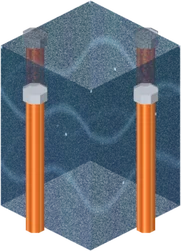
Control Rod Cluster
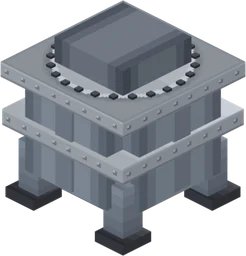
Steam Generator
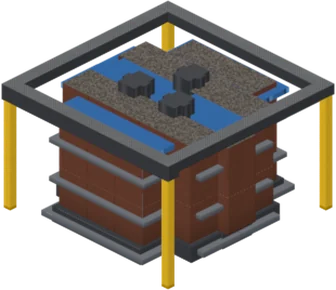
Pressurizer (heater)
Reactor Coolant Pump
Transmission Tower
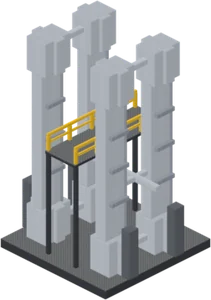
Pulsed Column
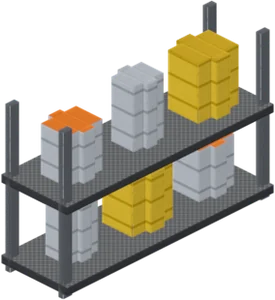
Storage rack (MOX powder, etc.)
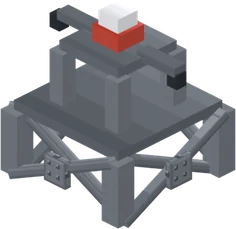
Electric Arc Furnace
Metallic Silicon Furnace
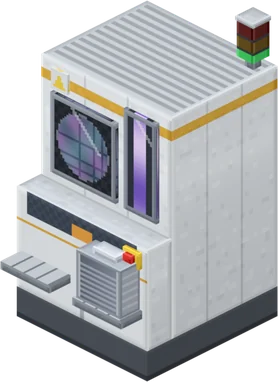
Lithography Scanner
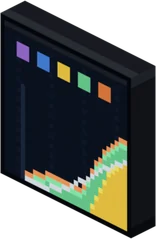
Dispatch Center Grid Board
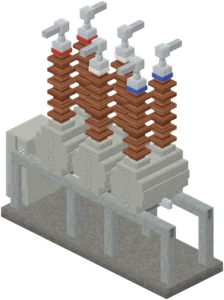
Gas Circuit Breaker
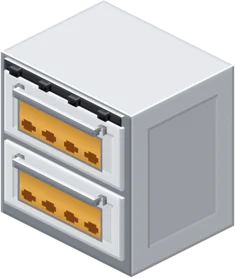
Bakery Oven
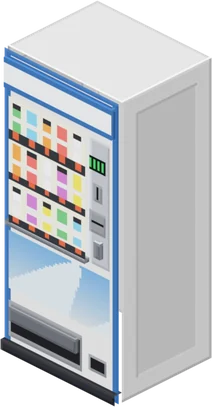
Vending Machine
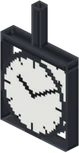
Station Clock
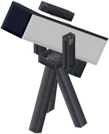
Telescope
Television
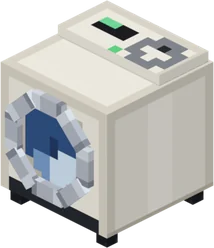
Washing Machine
Cleaning Robot and Dock
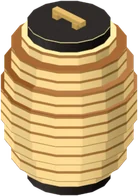
Paper Lantern LED
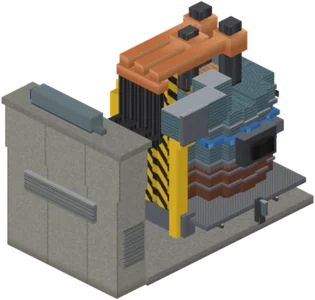
Substation
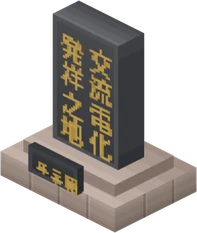
AC Electrification Monument

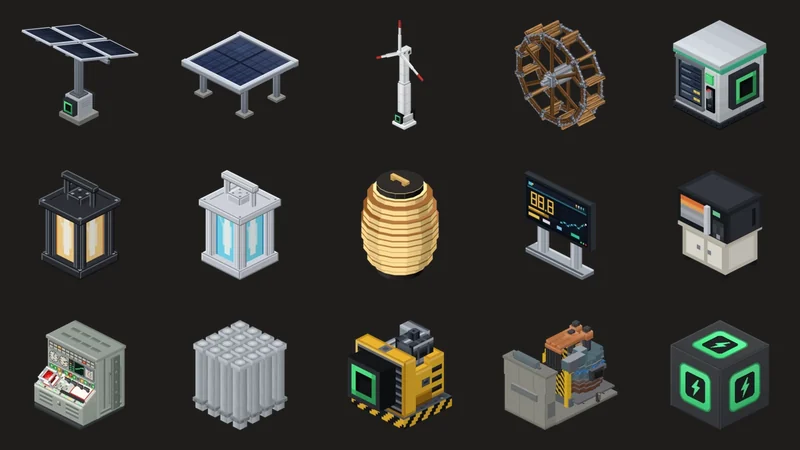
There are many more parts for building power plants. How to use each part is in Parts guide and recipes.

Earlier versions

The latest version is always available from the button above. To open a world made with an older version, download the version from that time here. Detailed release notes are on the Japanese page.

v1.72026-11-15Current version

What’s inside: 511 items in all (the Transformer & Switchyard Builder (Compact), the Platform Door, the Portable Battery and the Battery Charger are new since v1.6).

  • Transformer and switchyard. The new Transformer & Switchyard Builder (Compact) builds a Plant Inlet, a Generator Step-up Transformer, a Gas Circuit Breaker and a Plant Outlet in front of the Generator Terminal of a boiling water reactor or a thermal power plant (connect the Generator Terminal and the Plant Inlet with wire). While the generator is running, the transformer’s cooling fans turn. Wires beyond the Plant Outlet and Overhead Power Lines carry high voltage, so transmission losses drop to about 1/190.
  • Transmission losses. Things that draw electricity from generators over wires (the Breaker Panels of houses and shops, factory Intake Panels, Traction Substations, the making machines, the Chip Making Machine and the Metallic Silicon Machine) now also lose some of it along the wire. The Breaker Panel screen shows the wire’s transmission loss.
  • Power while you’re away. Power plants connected to an Electricity Meter keep running while you are far away (solar, wind and hydro with no time limit; plants that burn fuel run just as they would with you nearby, and the fuel they used is gone when you come back). Electricity made while you are away is sold too.
  • Residents’ shops and factories. They first use the generators connected by wire to their Breaker Panel (the Intake Panel for factories), and get only the shortfall from the grid.
  • Trains use electricity. When they speed up, trains draw electricity from the generators and batteries connected to the Traction Substation (commuter train 10 kW, limited express 15 kW, bullet train 30 kW; 30% of that while cruising at top speed), and go slower when there isn’t enough. They can also draw surplus from the grid. Crouch and right-click a substation to switch between 1,500 V DC, 20,000 V AC and 25,000 V AC (bullet train).
  • Platform Door. A new block for station platforms. It opens and closes together with the train’s doors, only in front of the doors of a stopped train.
  • Making machines. The Silicon Arc Furnace, Refiner, Wafer Saw and Chip Factory were rebuilt from their shapes up. Wires connect to the green port on the back. These four, the Chip Making Machine and the Metallic Silicon Machine draw electricity from generators and batteries connected by wire (just placing them next to each other is not enough).
  • Washed armor. The 28 pieces of armor washed in the Washing Machine have new looks and names, with an energy emblem that glows in the dark.
  • Portable Battery. The new Portable Battery lets you charge your Fan Jacket or Heated Vest away from home. Charge the battery on the new Battery Charger at home (connect it to an outlet with a Power Cord). Both are sold at the Electronics Dealer. Jackets and vests now give 5 armor points (between leather and iron armor).
  • Model houses. The five model houses have new exteriors (Stone and Wood Japanese Garden House: hip-and-gable roof, cherry tree and stone lantern; Brick House: dormer windows and a teal door; Ice House: ice pillars and blue-flame lanterns; Modern House: a water basin and flower boxes under the windows; Log House: a chimney boxed in with trapdoors). Every house has a Battery Charger with an empty battery.
  • Teacher Tablet and missions. The mission display at the top right of the game screen now reads like “Mission 3-4” (the 4th step of Mission 3), and the step list on the tablet uses the same numbers. In Missions 3 and 4, glowing dots mark the equipment used in the current step (only that student can see them). Mission 3 is split into 10 steps, and Mission 4 now includes building the transformer and switchyard. The students’ “Call the teacher” and the teacher’s “Calls” were removed.
  • Wires and pipes. Hold a wire or pipe and right-click the port of the machine you are connecting to, and it is placed without crouching. Green ports take only wires. Power Cords take the shortest route, and can also pass through the gap beside an appliance.
  • BWR control rods. Rebuilt as a bundle of thin rods. The part that slides up from below into the fuel has the same shape.
  • World to play. “Tsuruga & Mihama” has been updated to v1.1. The bullet train runs on the viaduct and stops at the station, and the platform doors open and close together with its doors. The outlets of the boiling water reactor and thermal power plants, and the sample builds in the build spaces, have a transformer and switchyard.
v1.62026-11-04

What’s inside: 507 items in all (the train monument from v1.5 was removed).

  • Playable in English. In-game text, quests, residents’ talk, the tablet and phone screens, and even the factory videos can be shown in English. In a new world the first player to enter chooses Japanese or English; it can be changed later on the teacher tablet (for everyone) or the phone (just for you). The guidebooks are in English too.
  • Text lines up on newer Bedrock versions. On Bedrock (from 1.26.60), Japanese text on the phone and tablet ran past the edges and the furigana shifted. This is fixed; it now lines up the same as in Education Edition.
  • Bullet train. The Train Builder can also build a Bullet Train (3 cars).
  • Town power. Connect a generator to an Electricity Meter and its surplus electricity reaches the town’s shops and factories through the grid (shops first, nearest first).
  • Teacher tablet. Starting a training session stores everyone’s items from before it and gives them back at the end. Items dropped with the Q key during training come back to your hand.
  • Builders. They won’t build where they would overlap something; red dots show which way to move.
  • ENECRA no longer makes it rain. It used to pick rainy days (Minecraft’s own weather is unchanged).
  • Things you bought at a shop are taken back for 70% of what you paid.
  • The world to play is now “Tsuruga & Mihama”. It joins the towns, stations and power plants of Tsuruga and Mihama. The earlier “Tsuruga Town” was also fixed to open with v1.6 (v1.0.7; you can save it from the note under Worlds).
v1.52026-10-19

What’s inside: 508 items in all (281 more than v1.4).

  • A new quest screen. A full-screen quest screen shows each chapter’s goal, steps and progress at a glance.
  • Teacher Tablet. In classes or training, a teacher picks a mission on one tablet, and it appears on students’ ENECRA Tablets with the items they need. The teacher can see each student’s progress, move students who are behind forward, and hand out items again. There are solo missions “Deliver electricity to a home” (4) and a team mission “Light up the town with a PWR”.
  • Playable in Survival. Start the ENECRA Phone to play in Survival (Easy = no damage and faster block breaking / Hard). Players entering a world for the first time get one ENECRA Phone. Generators, cables, batteries and more can be made from materials at a crafting table and with machines.
  • Town residents. When conditions are met, 18 residents — a baker, a police officer, a doctor and more — move in and open shops. Talk to them and they’ll ask for help.
  • Working factories. In the steel mill, silicon plant, reprocessing plant and others, materials go through each process. You can see what happens inside in the in-game “production process videos” (which is why the file grew to 84 MB).
  • The power company and selling electricity. Sign a contract with the Power Company to sell surplus electricity, up to what the town uses.
v1.42026-09-28
v1.32026-08-30
v1.22026-08-09
v1.12026-08-04
v1.02026-07-20

ENECRA v1.7Guidebooks

Guidebooks

How to play, how to use it in class, and how to use each part are in these three books. All free and readable in your browser, and you can also save them as PDF to print.
Not sure which to read first? See Getting started.

For playersv1.7

ENECRA Quest and the town’s residents

Goals, hints and walkthroughs for the 21 quests on the ENECRA Phone, plus the 18 residents who move to the town, their requests, and how the King and money work. Walkthroughs start folded, so you can try on your own first.

For teachers and trainersv1.7

Teacher Tablet and ENECRA Missions

How to use the teacher tablet in classes and training, and what the 4 solo missions and the team mission involve. Please read before a session.

For buildersv1.7

Parts guide and recipes

How to use and get all 511 blocks and items in the inventory, recipes for the crafting table and machines (32), key numbers, and troubleshooting. Searchable by name.

ENECRA v1.7World

Worlds to play

The add-on is something you install; a world is a place to play. The town and power plant are already built, so you can start by running them instead of building.
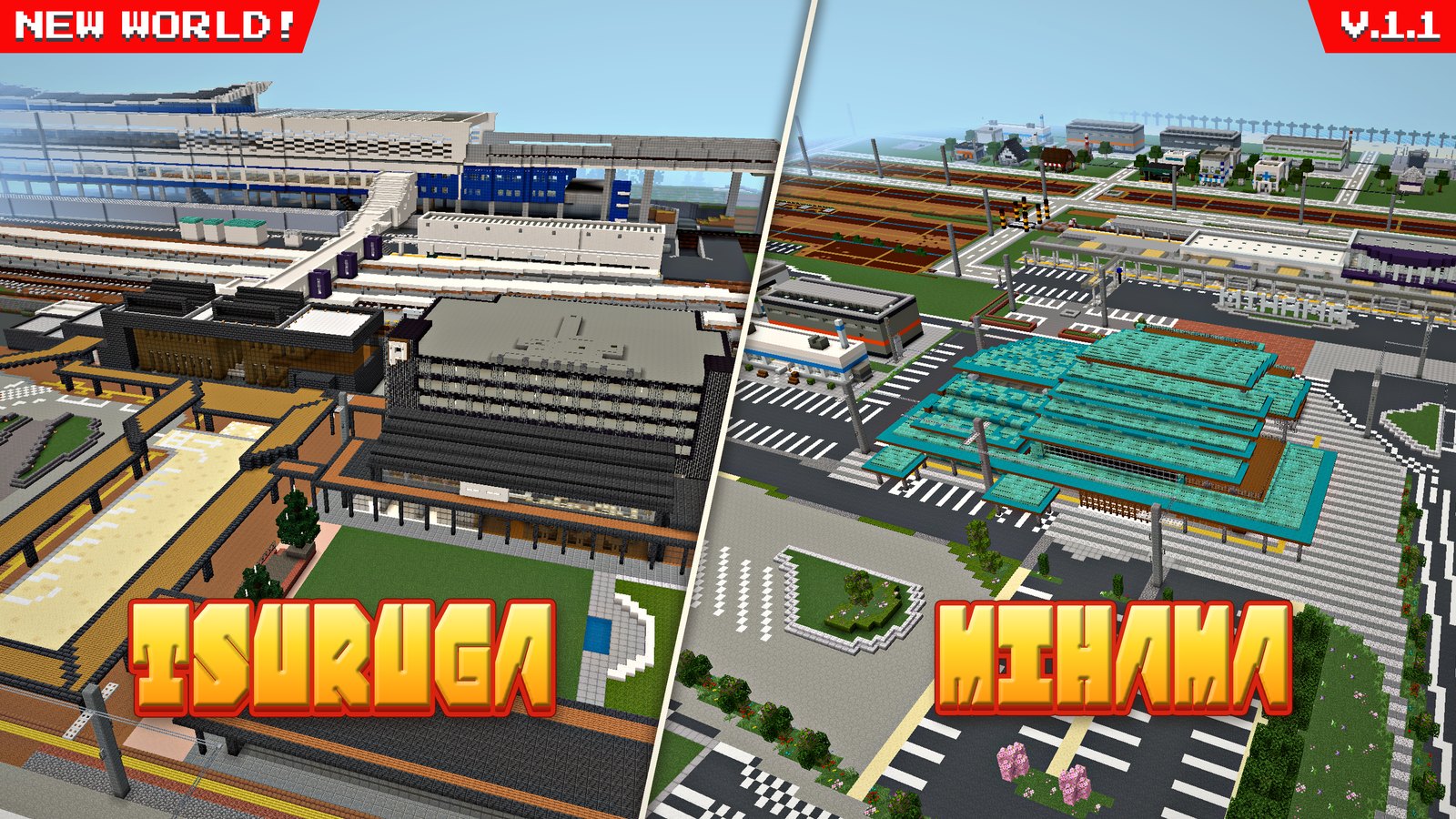
Tsuruga & Mihama (Tsuruga on the left, Mihama on the right)
Tsuruga’s town from the sky (bullet train station, power plant, sea and island)
Mihama’s town from the sky (roadside station, Mihama Station, sea)
The bullet train station and town at sunset
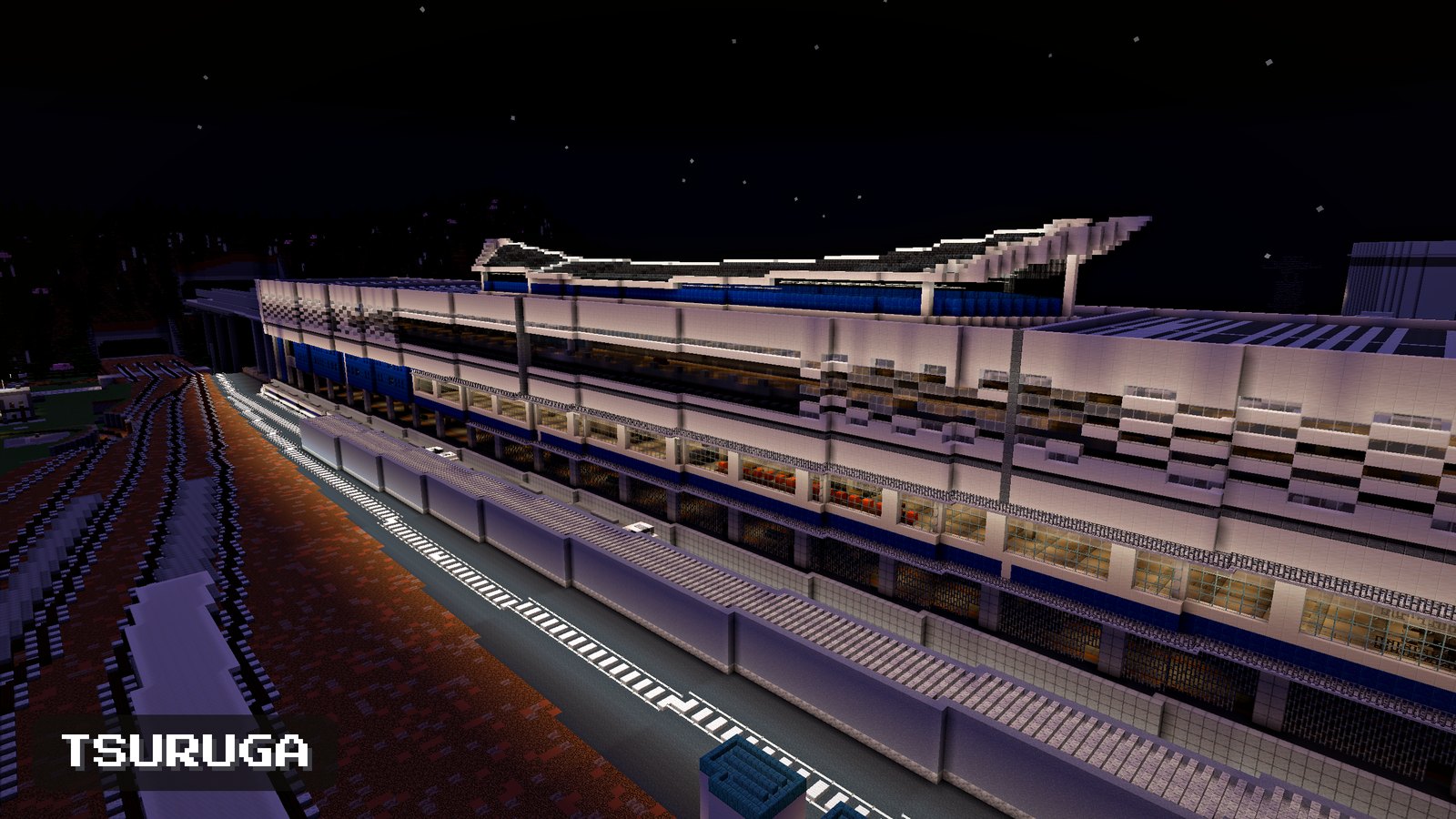
The bullet train station at night (stars and lights)
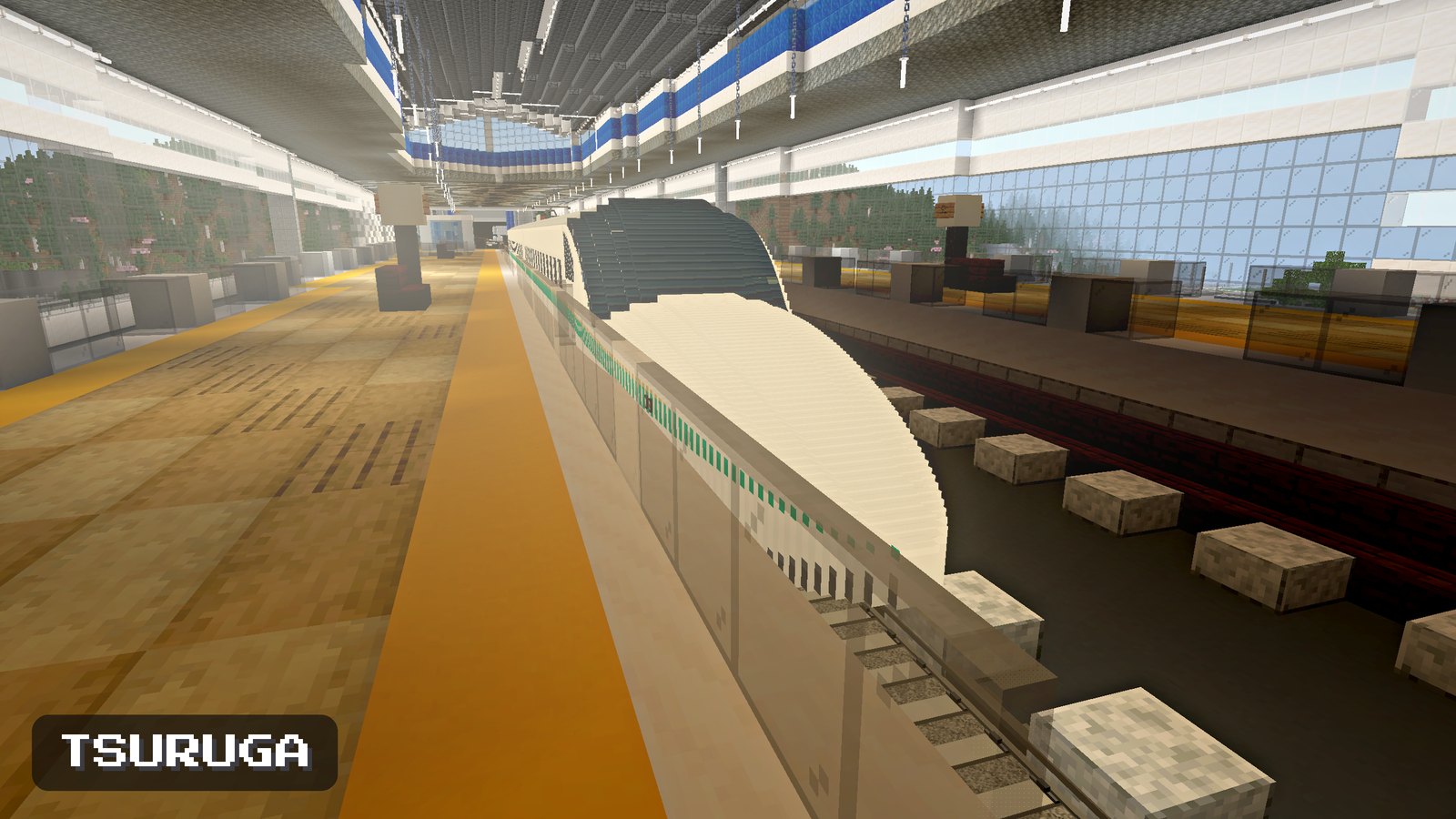
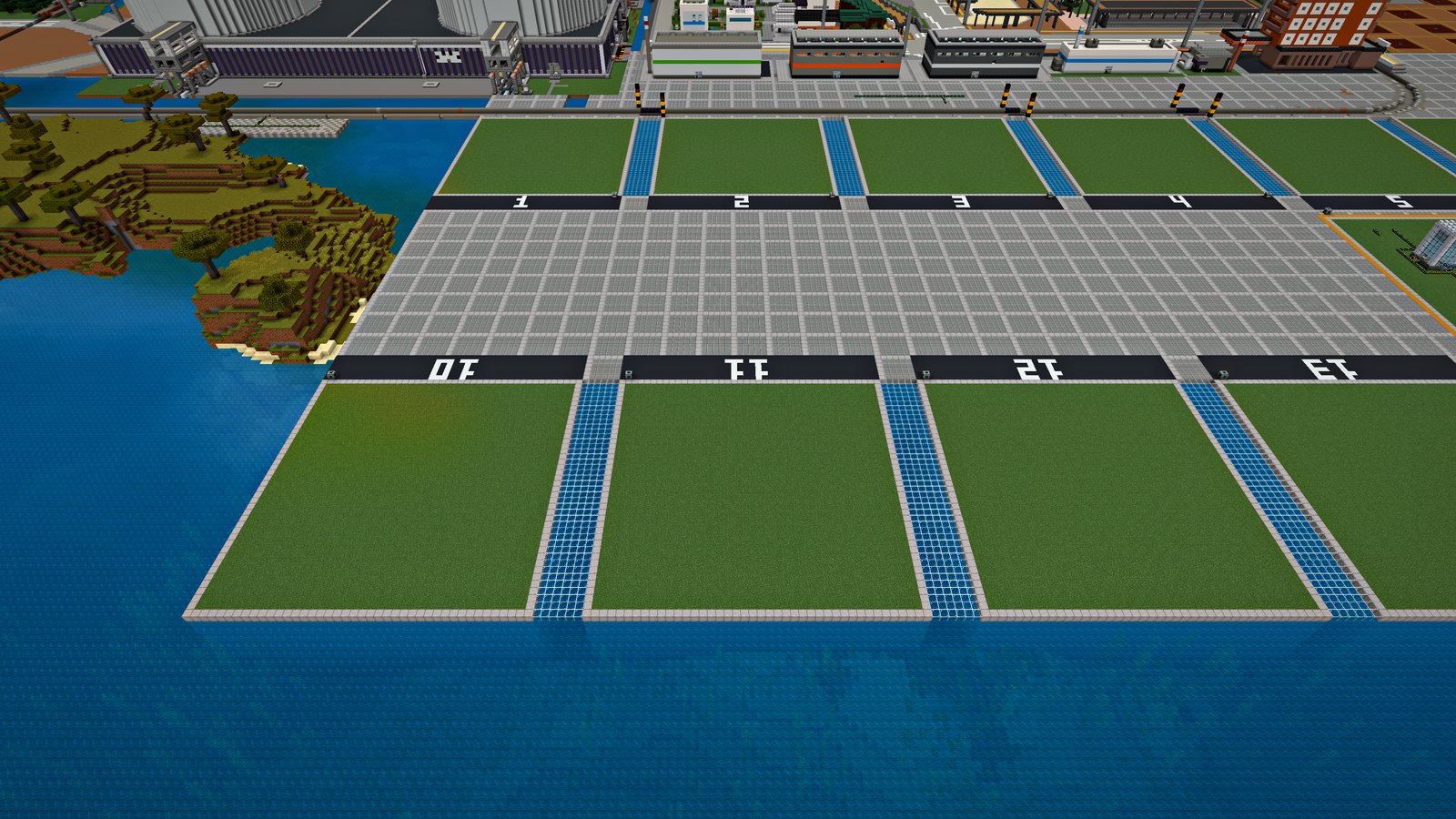
The bullet train platform (track 13)
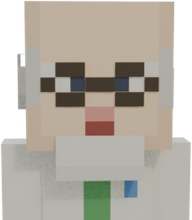
Residents of Mihama’s town (the police officer and the baker)
Build spaces (plots for building during training)

Tsuruga & MihamaA new ENECRA world

By UKABU Inc.

  • World
  • v1.1
  • 36MB

A world that joins the towns, stations and power plants of Tsuruga and Mihama (Japan). Trains run on it, and it also has a bullet train station and build spaces for training.

Free

Download

tsuruga-mihama.mcworld / 36 MB / v1.1 (released 2026-11-15)

Install the ENECRA add-on first. If you open the world without it, the power plant and trains will be missing.
The file is 36 MB. Please download it over Wi-Fi and allow plenty of time.
Worlds are never overwritten later. Installing a new version adds another world to the list (the world you played stays as it is). That’s why the name includes the version.
If you saved an earlier version: The earlier “Tsuruga Town” v1.0.2 to v1.0.8 open with v1.7 as long as only the v1.7 add-on is installed (if an older add-on is still there, they open with that). For anything older, please download Tsuruga Town v1.0.9 (127 MB) again.
ENECRA v1.7Install

How to install

Check that it works with your Minecraft, then just these 3 steps.

First: does it work with your Minecraft?

ENECRA works with Bedrock Edition and Minecraft Education. It does not work with Java Edition.

Works on
  • Bedrock Edition on a Windows PC
  • iPad and iPhone
  • Android phones and tablets
  • Chromebook
  • Minecraft Education
Does not work on
  • Java Edition (it can’t use the .mcaddon format at all)
  • Nintendo Switch, PlayStation, Xbox (there’s no way to import a downloaded file)

★How to tell: open Minecraft. If the screen says “Java Edition”, this add-on won’t work. If it doesn’t, you have Bedrock Edition. You need version 1.21.90 or later (if you can play now, you’re almost certainly fine).
1
Open the file

Open the saved ENECRA.mcaddon.

PC: double-click the .mcaddon iPad / iPhone: open the Files app and tap it Android: tap it in a file manager app
2
Minecraft starts and imports it

Bedrock does this on its own. For Education, choose “Open with → Minecraft Education”.

3
Turn it on in a new world

When creating a world, open Behavior Packs and press “Activate” on ENECRA.

The same name also appears under Resource Packs; check that it’s active there too.

In Bedrock Edition, achievements are disabled in worlds with add-ons (this is normal for Bedrock).

Don’t install “ENECRA Life” (up to v1.3) any more — its contents are now in ENECRA. If ENECRA Life is active in an existing world, remove it from the world’s Behavior Packs and Resource Packs. If both stay active, every part is doubled and things won’t work properly.

After installing → Getting started (at home, in class or training, at events)

TownResidents

Who lives in the town?

Deliver electricity properly and residents move in and open shops. There are 18 in all: 16 regular residents and 2 hidden ones.

Featured resident 1

ChipmakerNo.12 · Chip Factory (any time)
Welcome
Chipmaker

Let's see how IC chips are made from one silicon wafer.
19 steps in order.

The in-game production process video shows all 23 scenes (19 steps).

Chipmaker

“If the factory's power stops even for a moment, the wafers in progress are ruined”

  • One wafer becomes 8 IC chips (the in-game mini factory)
  • 19 machines stand in one row; wafers move from No. 1 to No. 19 in order
  • If the power stops for even an instant, wafers in progress are ruined — “electricity that can’t stop”

When they move in — Wants materials and power that never stops (after 6 residents)

Featured resident 2

Power CompanyNo.01 · Power Company (any time)
Power lines and a substation carrying electricity from the plant to the town
Power Company

Electricity can’t be stored up, so we always keep how much we make equal to how much is used.

  • Wants to come to a town where a pioneer with a phone has placed their first generator (No.01 in the resident book)
  • Sign a contract to sell electricity, and you can sell surplus electricity — up to what the town uses

All 18 residents

Tap to see what they say and when they come. Detailed steps are folded, as in the in-game resident book. Everything is in ENECRA Quest and the town’s residents.

TownTours

Factory tours

In the town’s factories, materials go through each process step by step. Each factory’s resident shows you what happens inside. The pictures are the same as the in-game “production process videos”; these are short versions.

Welcome
Chipmaker

Let's see how IC chips are made from one silicon wafer.
19 steps in order.

The in-game production process video shows all 23 scenes (19 steps).

TownCreations

Players’ creationsThe King’s Treasure Room

The King

Welcome! In my treasure room I display power plants and towns that people all over the land built with ENECRA. Send me a screenshot. I will look it over and display it.

No creations yet. Creations we receive appear here after we’ve checked them.

Send your creation

No email address or login needed. We check each creation one by one before posting it. It won’t appear right away.

  1. Take a screenshotTake a screenshot of the power plant or town you built.
  2. Choose up to 6 hereThe first one becomes the cover in the list. You can change the order after choosing.
  3. Appears after we checkYou can see whether it was posted under “Creations you sent”. If you chose a character, you can get your thank-you skin there.

How to take a screenshot

Windows PC
Press Windows + PrtScn. It goes into Pictures › Screenshots.
Mac
Press shift + command + 3. It goes onto the desktop.
iPad
Press the top button and the volume-up button together (on an iPad with a home button, the top button and the home button). It goes into Photos.
Chromebook
Press Ctrl + the show-windows key. It goes into Files › Downloads.

Rules for what we post

We can post

  • Game screens from ENECRA (screenshots)
  • Creations modeled on the shape of a real power plant, station and so on

We can’t post

  • Pictures that show people (such as photos)
  • Anything with a real name, a school name or where someone lives in the picture or the text
  • Anything that shows the name, logo, mark or product name of a company or shop, or that advertises a company
  • Pictures that aren’t ENECRA screens
  • Creations made by someone else
  • Pictures too dark to see

If we don’t post it, we’ll tell you why under “Creations you sent”. If you edit it, we’ll check it again.

Pictures * up to 6
What you built (optional)
Please don’t write your real name.
Your character (optional)
When your creation is posted, you can get this character’s Minecraft skin as a thank-you, under “Creations you sent”. It also appears next to your creation as your avatar.
Write more(only if you want to) More details, a note about each picture, tags, the version used, and a message to the ENECRA team
How you built it, what you came up with, what was hard, and so on. It’s shown in the larger view of the creation.
About each picture (optional)
Once you choose pictures, a box for each one appears here.
Tags up to 50 / 5
Features you’d like, things that gave you trouble, and so on. It isn’t posted on the site.

Creations you sent

These are the creations sent from this browser. Here you can see whether one has been posted, edit it, add pictures, take it down, or get your thank-you skin.

There is no receipt number or passphrase. The browser you sent from remembers the creations you sent.

They don’t appear here on another computer or phone, or in another browser. They also stop appearing if you clear the browser’s data (cookies), or if you don’t visit this section for a year.

If yours doesn’t appear here, email hello@ukabu.world with the creation’s name and your nickname (a parent or guardian may send it).

The creations shown belong to the people who sent them.

TownVoices

What users sayThe Audience Hall

The King

People who play ENECRA come to this hall to share their voices with me. But no one has come yet. Will you be the first?

Write a comment

We check comments before posting them. They don’t appear right away.
Please don’t write your name, school or where you live. We don’t ask for them.

Your character (optional)
This character brings your comment to the king in the Audience Hall. If you don’t choose, we’ll pick one.

FOR ORGANIZATIONS

For organizations

UKABU Inc. is a Japanese company that makes energy learning with Minecraft. We develop ENECRA and give it away for free. Children play with it at national government events, local environmental fairs, and the visitor centers of power companies in Japan.

Contact

For enquiries about using it at work or school, please use the form on the UKABU Inc. website. Prices and conditions are there too.

Email reaches the same team. For our track record and company information, see ukabu.world (Japanese).

Before you ask
  • We don’t put company names, logos, product names or model numbers in the game. We do recreate shapes and mechanisms.
  • We make the final call on the accuracy of the teaching material (corrections of factual errors are always welcome).
  • The rights to the mechanisms we make belong to us. They won’t belong to any single company (we can’t promise exclusivity).

So ENECRA never becomes an advertisement for any one company. Schools and public facilities can use it with confidence, and everyone can use it on the same terms.

Prices and conditions

Prices and conditions for ENECRA events, staff training and developing new teaching material are on the UKABU Inc. website (Japanese).

ENECRA v1.7Terms

What you can do with it

A summary of where and how you can use it.

The full terms are in Japanese, and the Japanese version applies.

At home and at school

Free to use at home, at school and in non-profit learning settings.

Passing it to friends

You may pass it on as is to friends and teachers.

* Don’t remove the credit (UKABU Inc.). It may not be sold.
* If you pass on a modified version, state that it’s modified and include your contact details.

Using it for work

You can use it in paid activities such as tutoring schools, training and paid events (no need to contact us).

* What you can’t do: sell the file itself, distribute it for a fee, or distribute it only to paying members, or use the name “ENECRA” as if it were your own product name.
* If you use Minecraft Education in paid activities, you need a separate commercial license from Microsoft.

How to credit it

Put it in your materials, on screen or in what you hand out. Any place or size is fine.

Plain text

ENECRA (UKABU Inc., free distribution)
https://enecra.jp/

HTML (for web pages)

<a href="https://enecra.jp/">ENECRA (UKABU Inc., free distribution)</a>

Read the full terms of use (Japanese) (same as the LICENSE.txt included in the download)

ENECRA v1.7News

Get update news (optional)

ENECRA is still being made. We’ll email you when there’s a new power plant, world or lesson plan. You can download everything without signing up. The emails are written in Japanese.

If you are a child, show this to a parent or guardian and get their OK before signing up.

  • We only send update news
  • No email in months without updates
  • Unsubscribe any time with one click

UKABU Inc.
hello@ukabu.world

COMING NEXT

Coming next

Fusion reactor: in development.

Nothing listed here is in the current file yet. When they’re ready, they go into the download.